

Prepare, convert and synchronise media, including a local collection for Memories.
Memories Screensaver
Turn your screen into a living gallery.
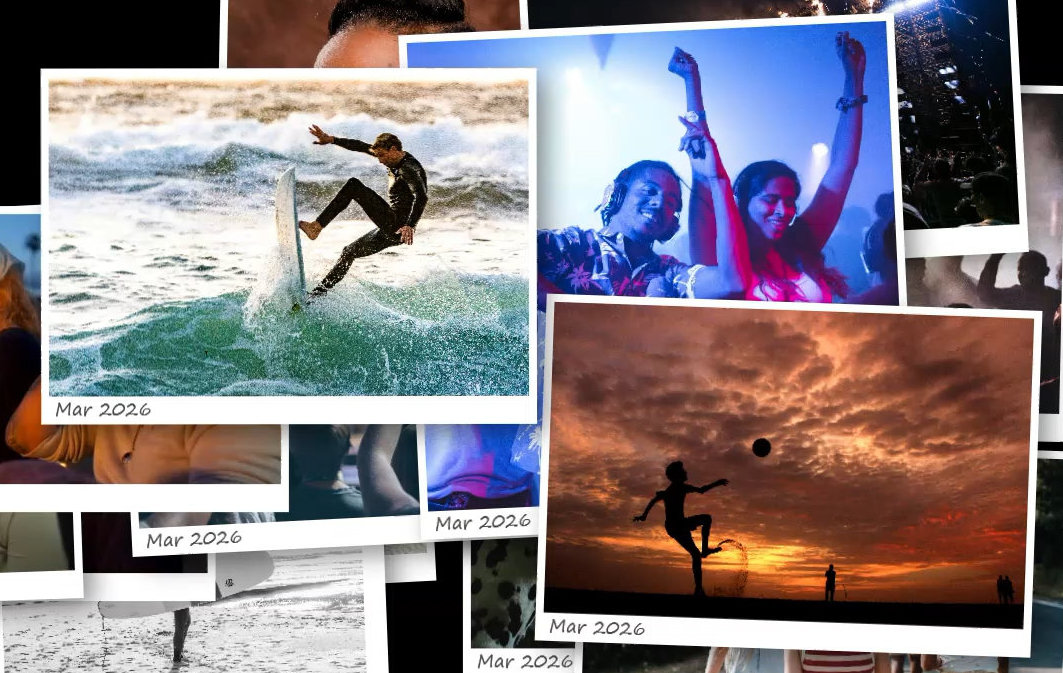
Bring your memories to life with an elegant Windows screensaver that transforms photos and videos into a dynamic collage. Every item is shown in a truly random order so the experience stays fresh.
Freeware · Version 6.1009 · 9 October 2026
Latest update: wallpaper refresh now works when Windows launches Memories as a screensaver. The installer includes the required .NET runtime.
Complete your Living Room Setup
Prepare a local collection with Squeeze, enter text with KeyInit, and keep the display PC awake with FireUp.

Open the Windows touch keyboard with the mouse and return focus to your text field.

Keep a PC awake and launch applications on a timer without using the Windows screensaver route.
Interface preview

Trailer
More screenshots
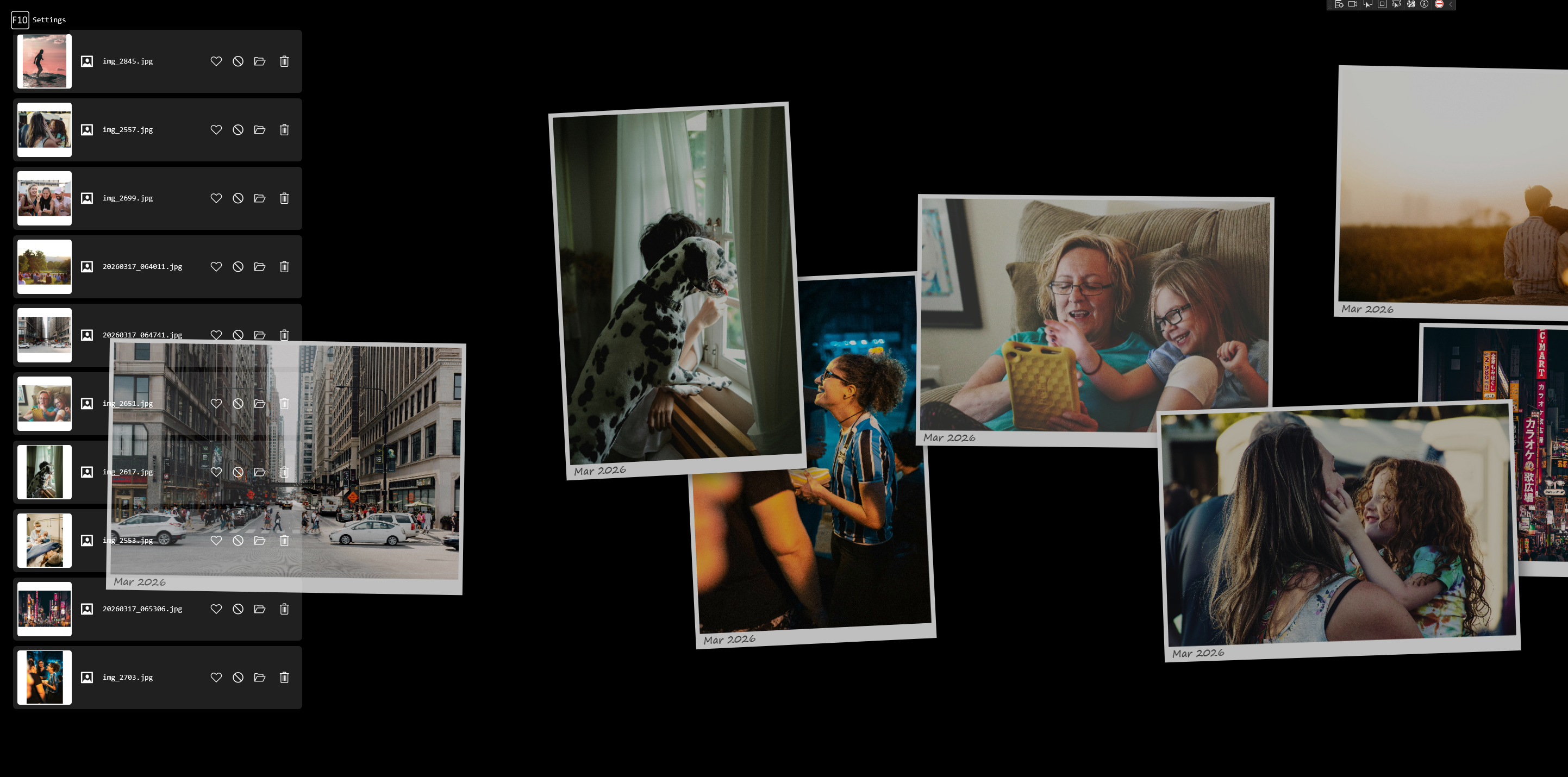
Browse the current Memories setup and settings views using the newly uploaded media set.



Key features
Designed to make personal photo and video libraries feel alive, flexible, and easy to manage.
Broad media compatibility
- Photos: JPEG, PNG, BMP, GIF, HEIC/HEIF, TIFF, WebP and more
- Videos: MP4, MOV, AVI, WMV, MKV, M4V, 3GP, MPG, MPEG
- RAW support for many professional camera formats
Motion Photos support
- Detects Motion Photos, Live Photos, Moving Pictures and Top Shot images from major devices including Google Pixel, Samsung Galaxy, Apple iPhone, Huawei, Honor, Xiaomi, OnePlus and more
- Automatically detects and plays embedded or linked motion where available
Customisable presentation
- Adjust animation speed and tilt angle
- Customise fonts, sizes, and display effects
- Pause, favourite, blacklist, and manage files instantly
Smart captions from metadata
Captions showing the date and time of each photo or video are read directly from the file's embedded metadata — or from the file date where metadata is absent. This means captions are accurate even for media imported from iPhones, Android devices, and cameras without any extra configuration.
Tidy your collection as you watch
Use Pause mode or browse the History view to review what has been shown. From there you can permanently delete unwanted shots, mark favourites, or blacklist items from future playback — turning every screensaver session into a quiet opportunity to keep your media library clean.
Now available in 7 languages
Program now adapts its interface automatically to the current Windows display language, with no separate installer or version change required.
- English
- Polish
- Chinese
- Spanish
- German
- French
- Portuguese